
Getting Started
Here’s how we get prepared for enrollment:
- Figure out what requirements you need to fulfill + What classes would fulfill them through your Degree Audit Report
- Find classes that are available in the upcoming quarter that can fulfill those requirements + Interest you
- Add these classes to your Class Planner and organize your weekly schedule
- Finalize your Class Planner with three courses and three alternative (or backup) classes for each just in case!
What You’ll Need
I created a guide for using the Degree Audit Report (DARS) and a guide for using the Class Planner with the schedule of classes (Find a Class and Enroll). I suggest you familiarize yourself and explore before jumping in. Ask your New Student Advisor during orientation if you have any questions or need assistance!
- Degree Audit Report Guide
- Class Planner + Schedule of Classes Guide
- Your Laptop
- Useful links:
General Catalog: Majors – Click on a major to see its requirements
General Catalog: Minors – Click on a minor to see its requirements
General Catalog: Course Descriptions – Search a course to see what it’s about!
Expectations and Rules
- You will be enrolling in 3 courses at orientation; this can be a combination of lower and upper division courses.
- Your schedule will generally be 2 LD major prep or UD major requirement courses + 1 LD or UD elective course.
- Note: At least one of the courses you select must be outside of your major and this will be enforcedYou can use your elective option to explore a different potential minor by taking one of its required prep courses or just take something that looks fun!
- You should be choosing plenty of alternatives / back up classes (At least 3 backup courses for each of the three classes.. ex) if Class 1 and 2 work, but 3 doesn’t, what’s your plan?)
- None of the 3 courses in your schedule should share a final exam date
- Your classes need to be “Open”, shown with a green padlock. We’re not enrolling in classes that have a waitlist or are closed during orientation
- Your classes should have at least or around 15 minutes or more in between them. This is to compensate for walking distance, securing a good seat, and packing/unpacking
Course Restrictions / Requisites
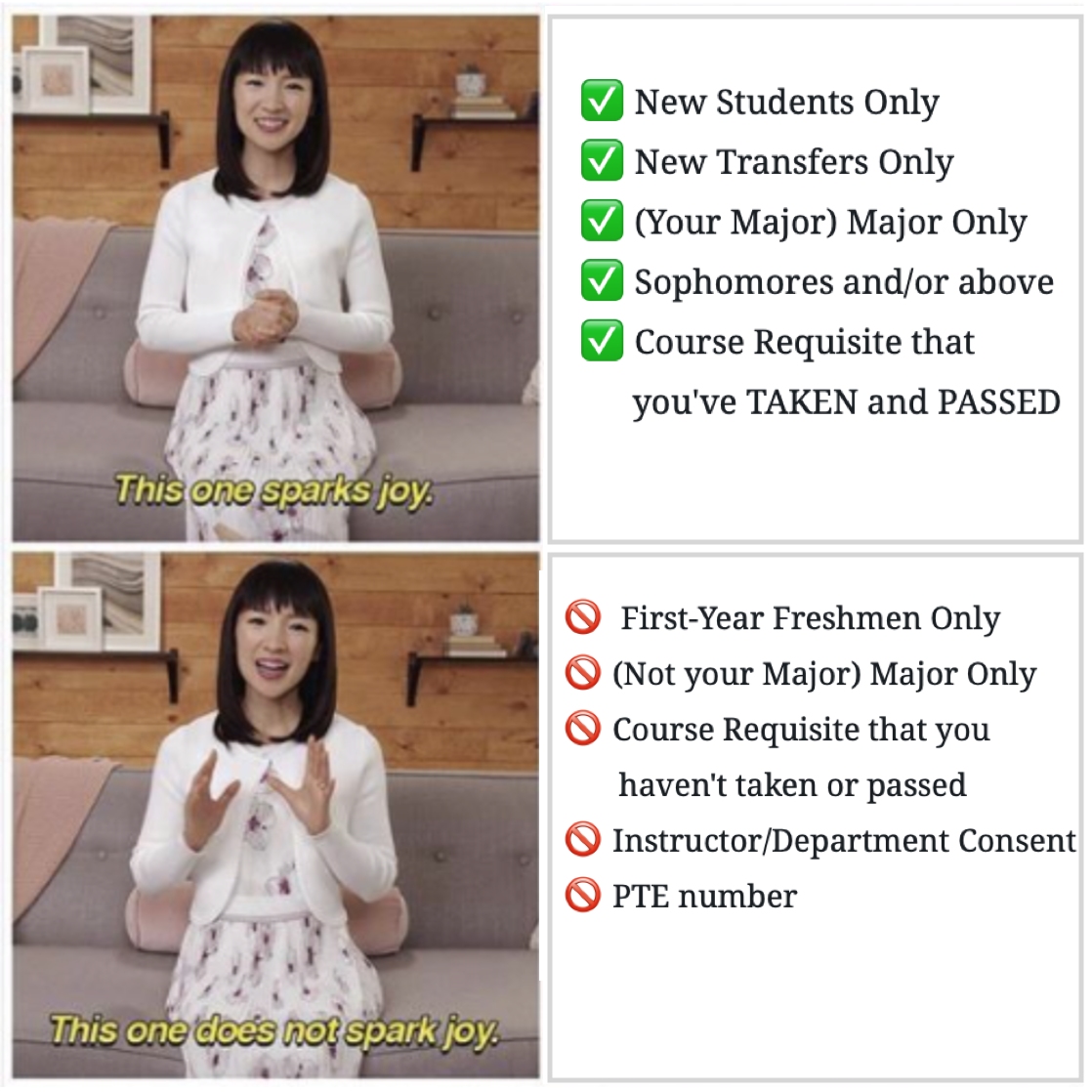
As mentioned in the Class Planner Guide, make sure you are clicking on the orange triangle button next to all courses to check its restrictions and make sure you’re allowed to enroll:
✅ New Students Only
✅ New Transfers Only
✅ (Your Major) Major Only
✅ Sophomores and/or above
✅ Course Requisite that
you’ve TAKEN and PASSED
🚫 First-Year Freshmen Only
🚫 (Not your Major) Major Only
🚫 Course Requisite that you
haven’t taken or passed
🚫 Instructor/Department Consent
🚫 PTE number
 Bruin Notes